
Updating websites
Table of contents
Video Overview
Contents
- 00:00 – Overview of the websites and GitHub requirements
- 1:09 – Cloning repositories and opening them in Visual Studio Code
- 2:24 – NivTurk website overview
- 9:53 – Pushing changes to GitHub
- 12:21 – jsPsych demos website overview
- 17:56 – Resources and library website overview
Testing changes locally
- Shown on jspsych-demos, but can be applied to any of the websites.
- Ruby runs the website’s build tools, and the Gemfile specifices which supporting libraries to install so the site can be built correctly.
- If you don’t have Ruby, install it. Make sure to get 3.x, 4.x doesn’t support some of the things we need
- Open PowerShell if you’re on Windows or Terminal if you’re on Mac.
- Type in gem install bundler
- Navigate to your project folder using cd your-project-path
- Type in dir Gemfile
- Type in bundle install
- Type in bundle exec jekyll serve –baseurl “/jspsych-demos”
- After this, you should be able to see an address hosting the website with the changes you’ve made.
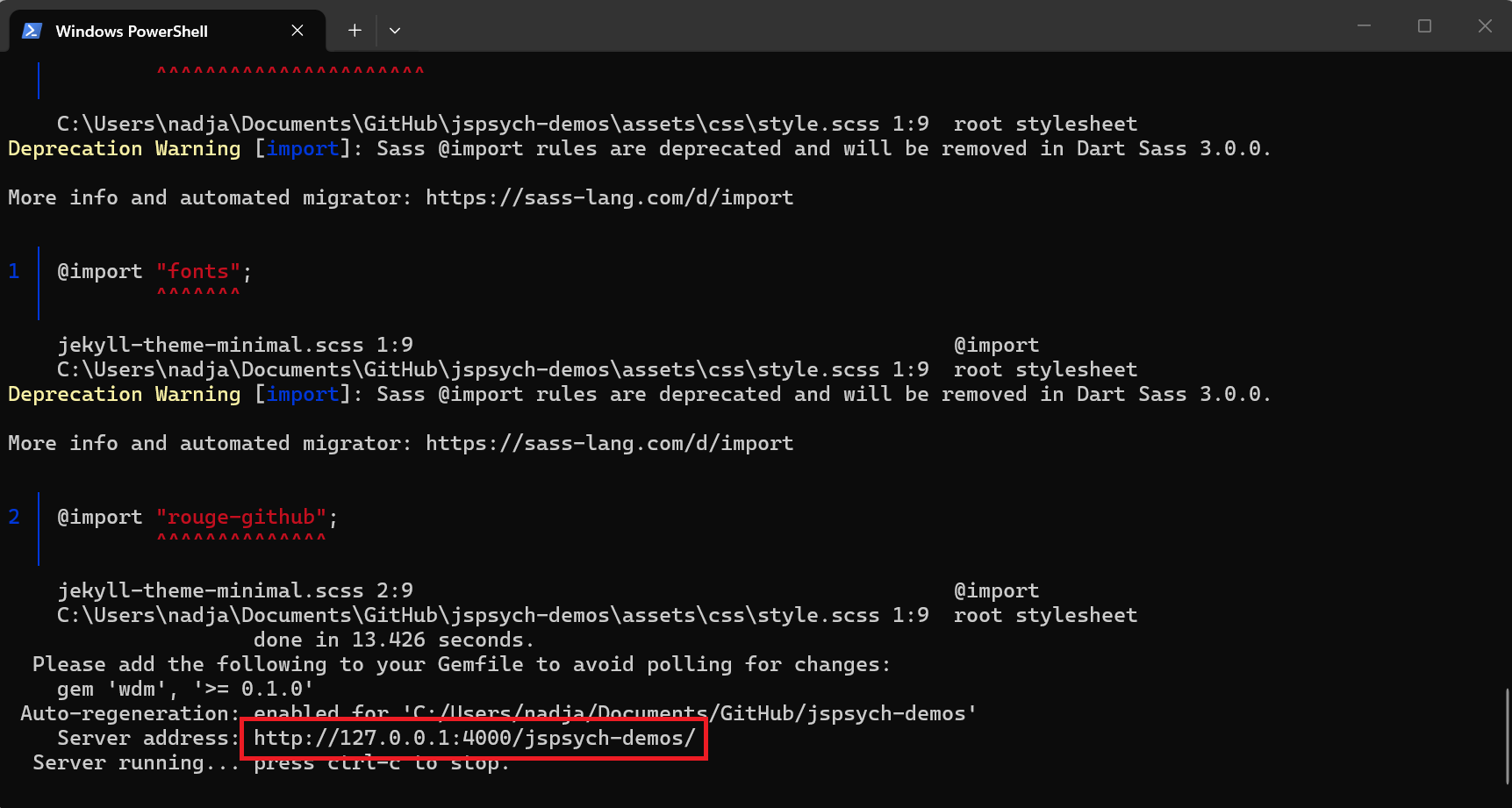
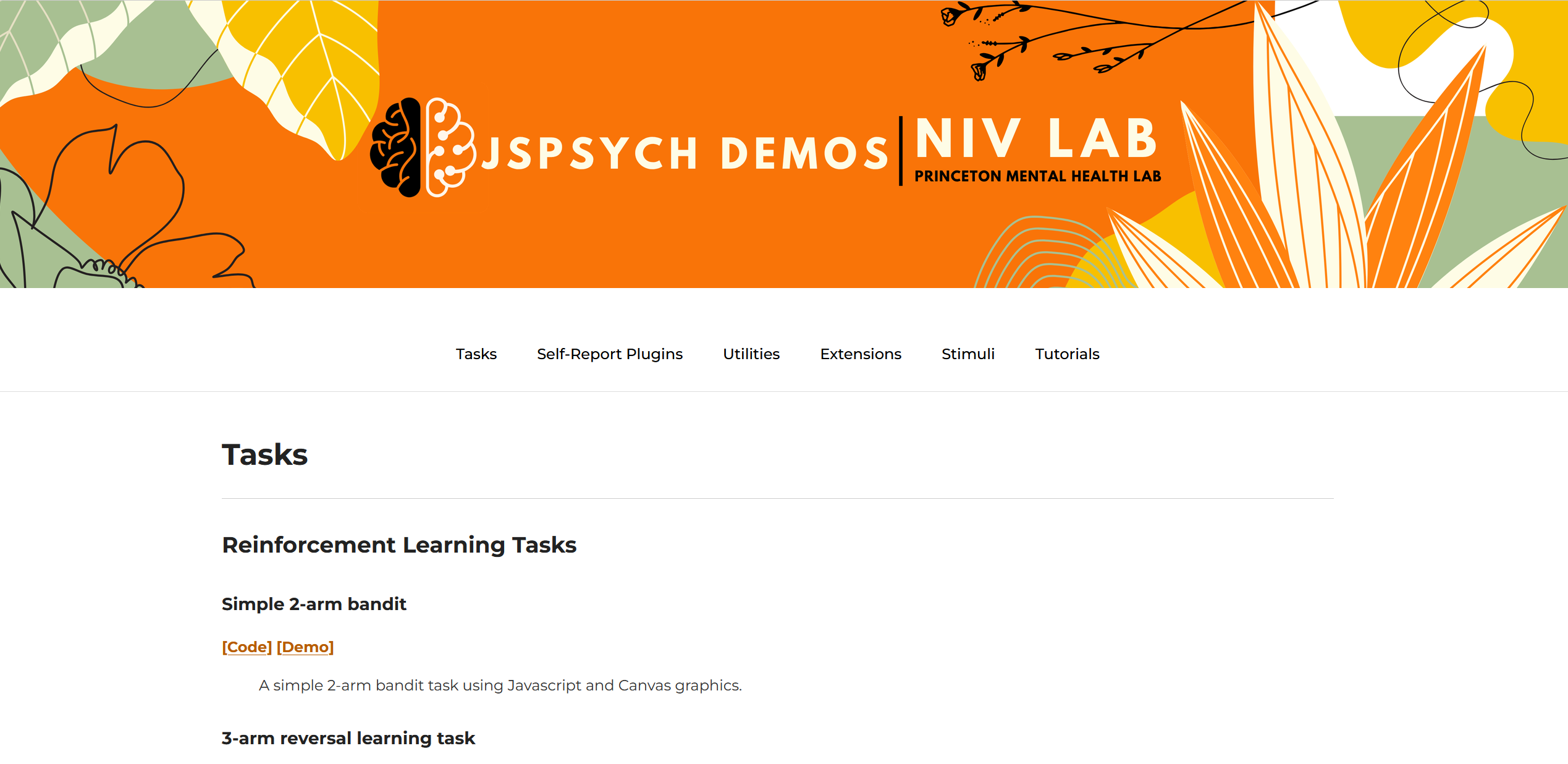
- Once you open the link, you should see a page like this:
Subsequent testing
- Once everything is installed, it is enough to just open PowerShell/Terminal, cd into the correct folder, and run bundle exec jekyll serve –baseurl “/jspsych-demos”